Make the news.
Use a product launch, milestone, expert viewpoint or timely announcement to create a genuine policy / communication story with a reason to be read now.
Publish an article →
Media News Watch is a natural editorial place for a company update, founder perspective, market development or policy-led story with real public relevance. Build the placement around the actual reader question — then choose the format that fits the goal.
Media News Watch
Visit Media News Watch ↗medianewswatch.com
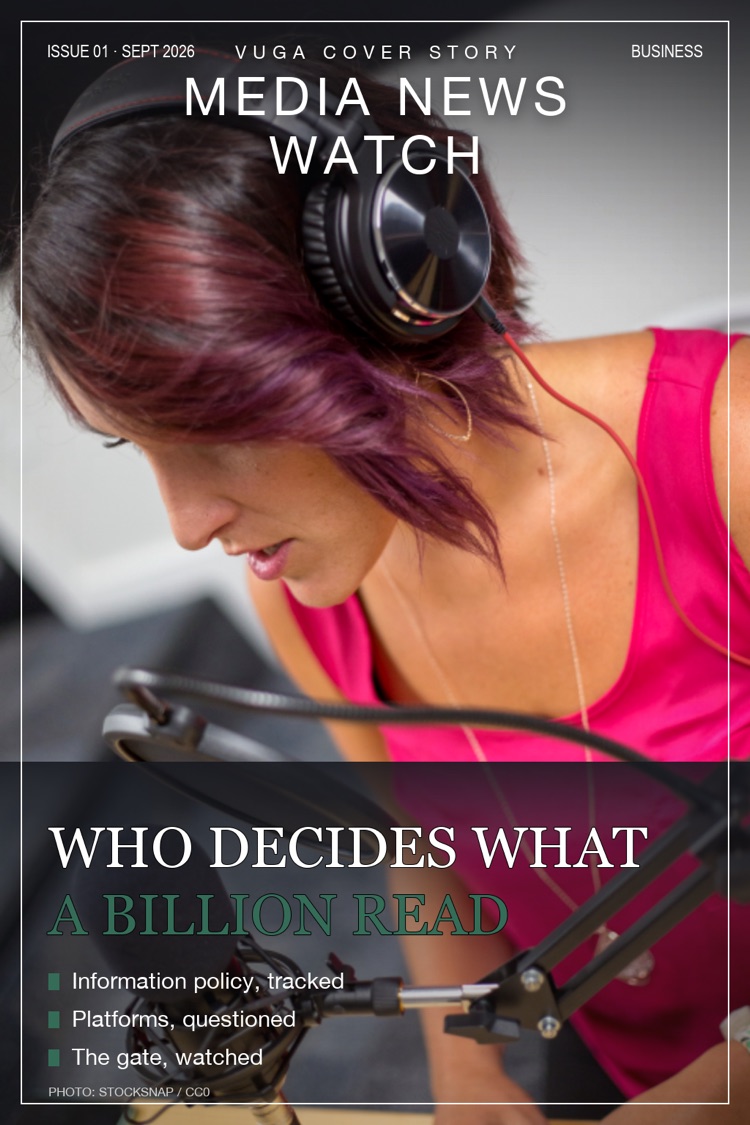
Do not give every project the same format. A timely announcement, a personal visual profile and a search-led business story have different roles — and can work together.
Use a product launch, milestone, expert viewpoint or timely announcement to create a genuine policy / communication story with a reason to be read now.
Publish an article →Turn the founder, brand, collection or project into a visual editorial moment: a distinctive profile, a digital cover, social assets and live links.
Create a Cover Story →Build a useful, keyword-led story around the questions buyers actually type in. It is editorial content designed to keep working after launch day.
Plan an SEO Story →These are the commercial and editorial conversations that naturally belong around Media News Watch. Use them as a starting point for a credible story — not as a list to force into copy.
Choose the exact title and route your story into the VUGA Network from $99.
Agency teams can build placement routes across titles, sectors and editorial angles from one working platform.